

B2B Video Marketing: Build a Sales-Enablement Library That Closes
Attention spans are on the lower end these days, and this is especially true when it comes to your B2B prospects.
Luckily, there’s B2B video marketing to swoop in and save the day.
With B2B video marketing, you’ll be able to showcase products and USPs, answer FAQs, address objections, and even display your wins and success stories.
And here’s the best part:
You do all this (and more) on video, which, by the way, is a medium that’s easy on the eyes, ears, and most importantly, bandwidth.
Of course, you need to pull it off right.
Here’s how!
Before You Get the Cameras Rolling, Know This
Before you bust out the phone, cameras, green screens, and ring lights, remember: Your viewers will be business owners and decision-makers.
This means that these people will be:
- Busy
- On the fence (likely)
- In different parts of the buyer journey
With that in mind, you’ll need to create videos that speak to these circumstances, addressing objections and delivering audience-centered messaging.
After all, you wouldn’t show someone a 1,000-word blog post if they’re ready to “add to cart,” nor would you bombard unsure prospects with CTAs.
Why treat your B2B video content any differently?
Seal the Deal With This Six-Asset Library
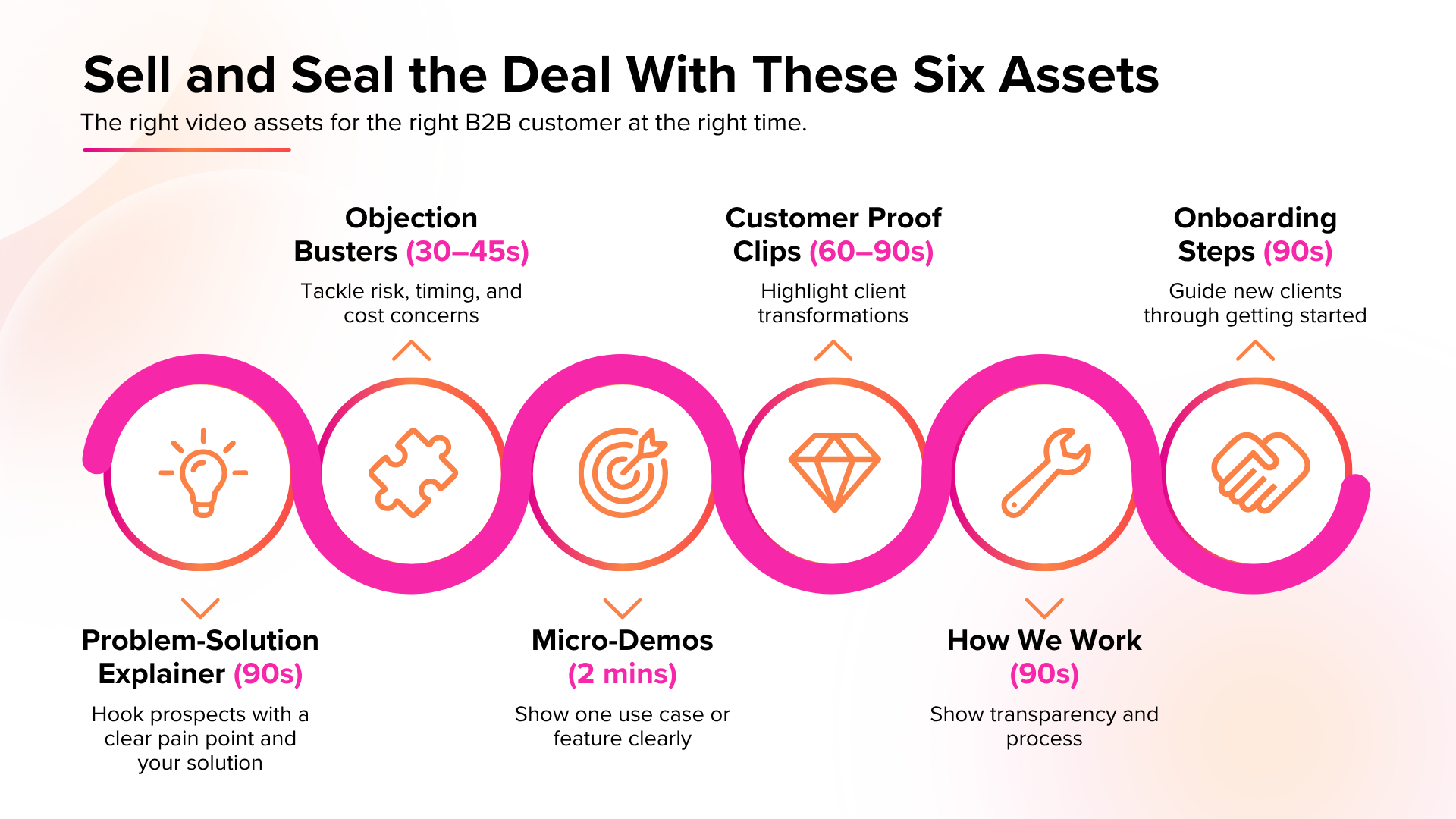
Not all videos are the same. The first step to any effective B2B video marketing campaign is to have different forms of content for different customer profiles.
There are many, but for the most part, a well-stocked library will have the following videos for effective B2B sales enablement.
- A 90-Second Problem-Solution Explainer: These videos are for prospects and present a common (but annoying) problem, along with a solution (what your brand offers).
- 30 to 45-Second Objective Busters: You’ll need three of these, and each should address risk, timing, and cost — three common forms of objections you’ll hear from your prospects.
- Micro-Demos: You’ll want to keep these at around two minutes, and each demo or explainer should be focused on a single idea, whether it’s a use case or how a service works.
- Customer Proof Clips: These should be around 60 to 90 seconds and present a client’s challenge and how your product or service helped. It’s all about selling the transformation and not the product.
- “How We Work” Video: 75% of consumers are more likely to trust transparent brands. Appeal to the crowd with a 90-second shot of what goes on under the hood (i.e. how your company works).
- Onboarding Steps: And finally, have a 90-second video that talks the reader through “how to get started” with you.
With these videos, you’ll have a video sales enablement library with assets for every customer, objection, and buyer journey stage.
Capture Without a Studio
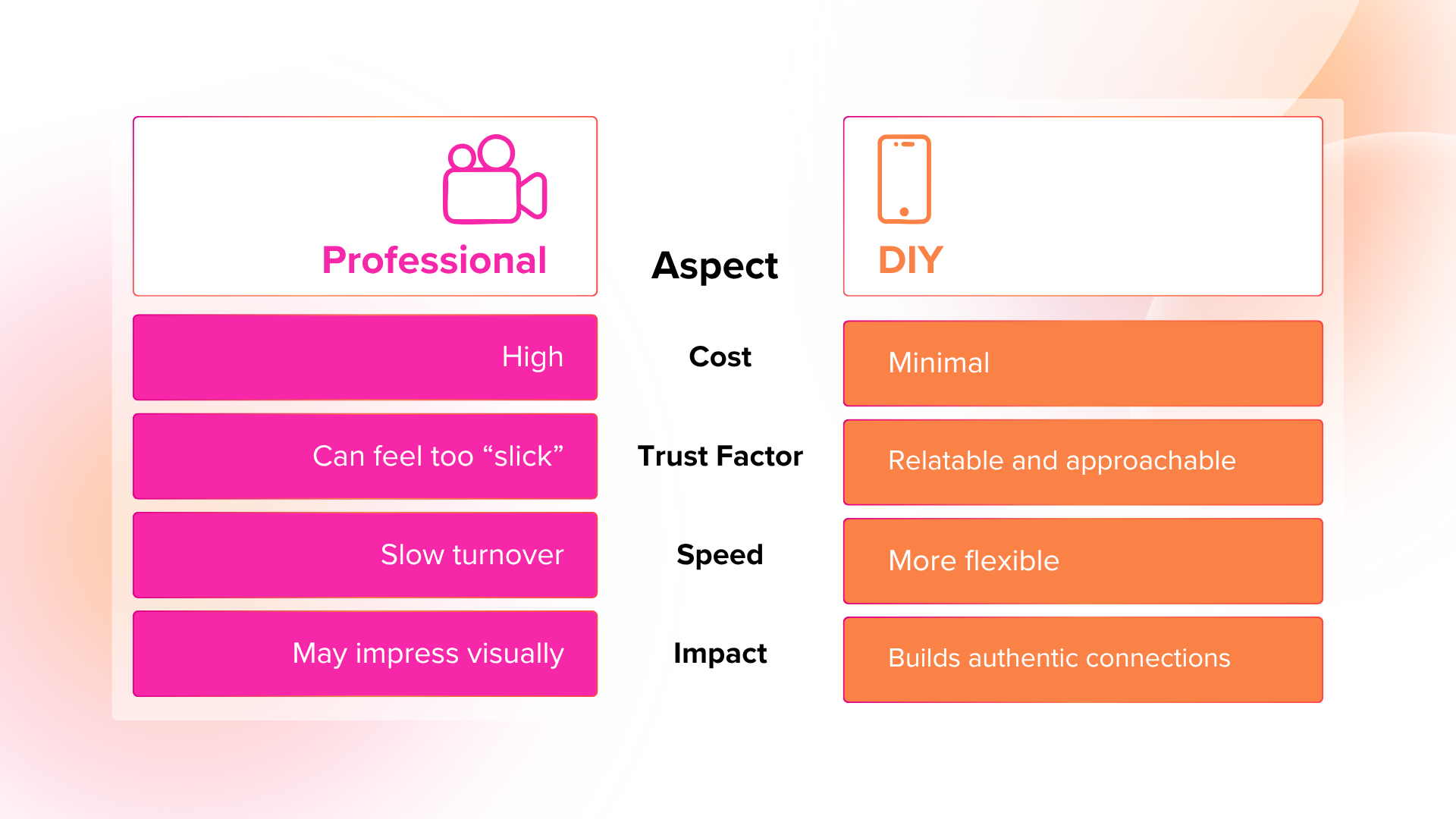
This might be hard to believe, but you don’t need an uber-professional studio to amass assets for your B2B video marketing strategy. You’ll be able to get started with just a phone, some natural light, and steady hands (use a tripod).
The idea is to make your videos look approachable enough for people to trust, but at the same time, like outtakes from the Blair Witch Project.
Now, it might seem tempting to go too far on the professional end, but be warned: Your B2B prospects can smell over-polished content the same way sharks smell blood in water.
This applies to B2B video marketing, as well as San Diego web design.
Scripts Are Fine — If Your Content Doesn’t Seem Scripted
The paradox of a good video script is that it doesn’t show on camera. If your videos sound more like a Victorian drama series than a real-world sales enablement piece, you’ll turn off many of your prospects.
To prevent this from happening, follow this messaging formula:
- A hook (which can be a customer pain point)
- Your solution
- One proof
- A single CTA
As you craft your messaging using this formula, don’t forget to be relatable. At the same time, your tone should be consistent all throughout and on-niche.
Where Should Your B2B Video Marketing Assets Be?
The short answer is “everywhere.”
Your Website
The best videos for your hero page would be short explainers and FAQs. For your “About Us” page, you can go with your “behind the scenes” or “how we work” pieces.
Do you want to showcase your highlight-reel wins? Have a dedicated “case studies” page (like this), and place your success story videos there.
Sales Sequences
Case studies and success story videos are great, but to nudge prospects farther down your funnel, include pre- and post-demo videos to sell your transformations.
What’s better than LinkedIn thought leadership? Thought leadership and content marketing.
Build authority and reach with a native “Who We Are” video to bump up those rookie connect and engagement numbers.
Your Onboarding Hub (If You Have One)
It doesn’t matter if it’s on social media, your landing page, or on LinkedIn. Show your “our process” or “how to get started” video.
How To Tell If Your B2B Video Marketing Is Working
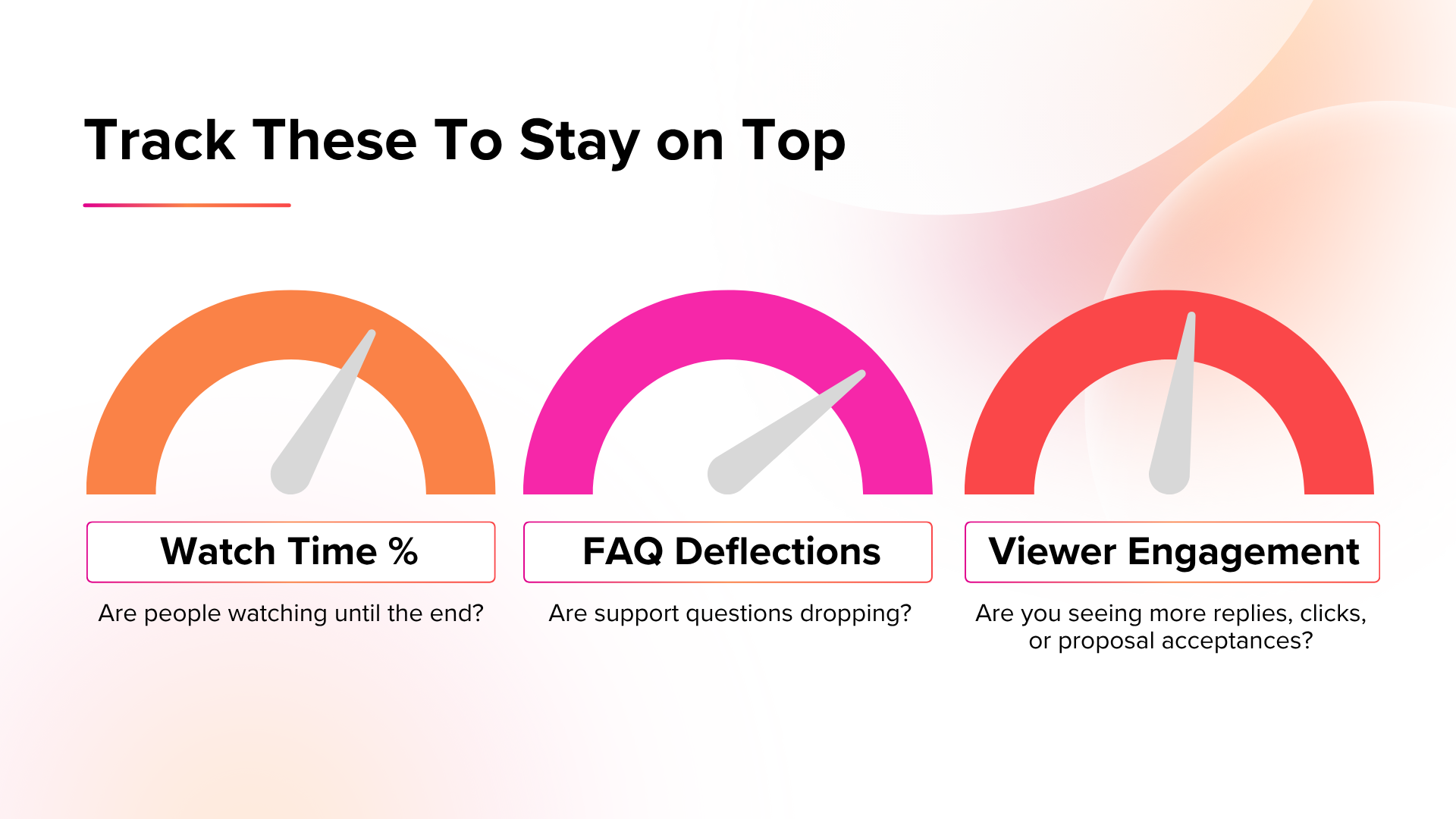
Keep track of these numbers to determine whether or not your videos are doing what they’re supposed to:
- Watch Time Percentage: The more viewers watch until the end, the more likely it is that your videos are the right length.
- FAQ Deflections: You know your explainer videos are becoming go-to destinations for assistance when your support teams aren’t getting questions.
- Viewer Engagement: Whether it’s through proposal acceptance or more replies, user behavior means your videos are driving both views and engagement.
If any of your videos are underperforming, you’ll have to reshoot them. Doing so is especially key for those videos where meetings are involved.
Lights, Camera, Action!
It’s all about the right video for the right customer and at the right time when it comes to effective B2B video marketing. If you’re struggling with generating leads and conversions, there’s a chance you’re missing the boat on either content, audience, or timing.
Are your videos doing what they’re meant to? You wouldn’t have made it this far if they did.
Get a consultation on the house and see how we can prime your B2B video marketing for maximum results.
FAQs
Do I need a professional videographer for my B2B video marketing?
It can’t hurt, but believe it or not, all you need is a camera, a steady frame, and a script that sounds relatable to the consumer.
Where on my site should I place videos?
Short answer: everywhere. An even better question is what kind of videos to include.
- Hero page: Short explainers or FAQs
- Landing page: “Getting started” videos and mini demos
- Case Studies/Testimonials: Clips of your past clients talking about your offerings
Why does it have to be video? Don’t copy and blog posts achieve the same results?
Yes, well-written copy and blogs should still be the meat and potatoes of your marketing, but many business owners and decision-makers will be pressed for time.
Video keeps everything condensed and easily digestible, which is great news for busy San Diego SME owners.